
Make a QR code for a website, Wi-Fi, WhatsApp, contact card, email, phone or text. Add your colours and logo, then download a high-resolution PNG or print-ready SVG.
Free for personal and commercial use. Static QR codes never expire. Test your code with a phone before printing.
Free hosted QR menus and pages
Put your menu, price list, PDF or links on a page we host for you at smartcard.co.uk/m/your-name. Change it whenever you like; your printed QR code never needs replacing.
- Menu builder with photos, sizes, prices, dietary filters and sold-out switches
- Order from the table or for collection; customers pay at the counter and orders appear on your live orders screen
- PDF menus, link pages and info pages with Wi-Fi details
- Your logo, colours and cover photo
- Scan and tap counts
Tap or scan: get your QR code on an NFC stand or card
NFC + QR products work on every phone: newer phones tap, any phone can scan. Point them at your hosted page, review page or Wi-Fi.
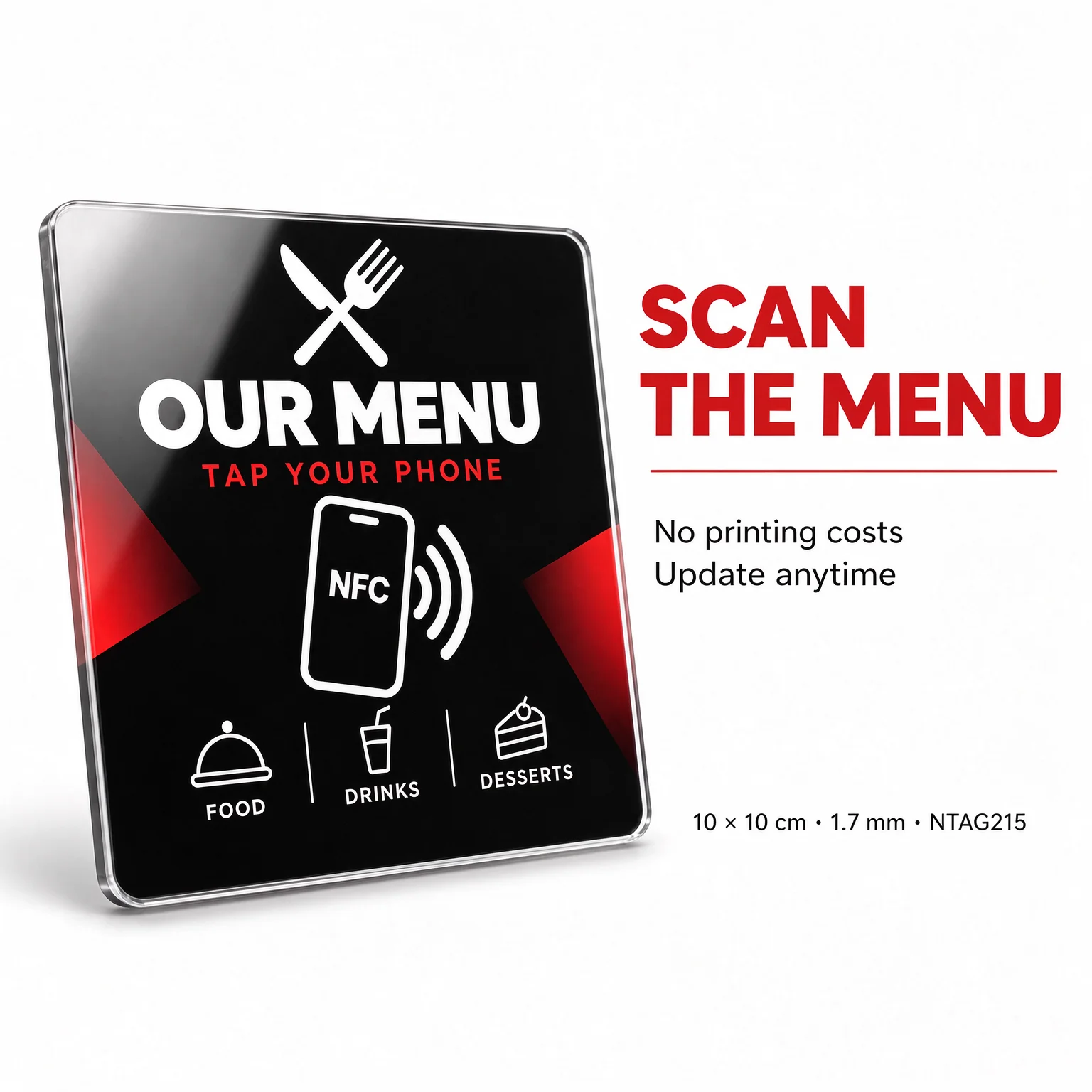 NFC Menu Table StandTap or scan to open your menu£14.99
 Wi-Fi NFC Table SignGuests connect with a tap or scan£12.99
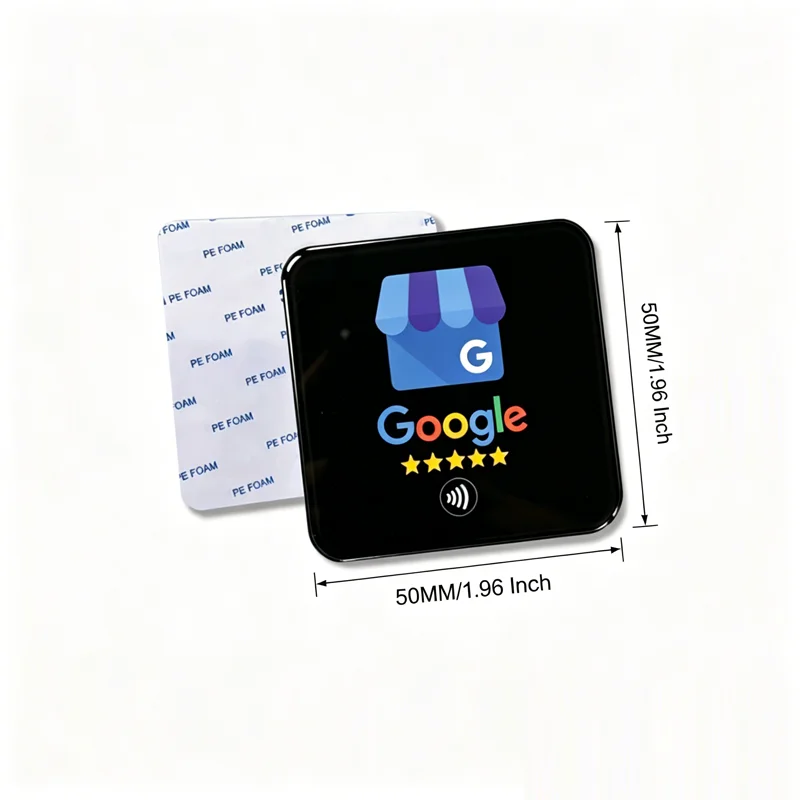 NFC Review Wall PlateTap to leave a Google review£9.99
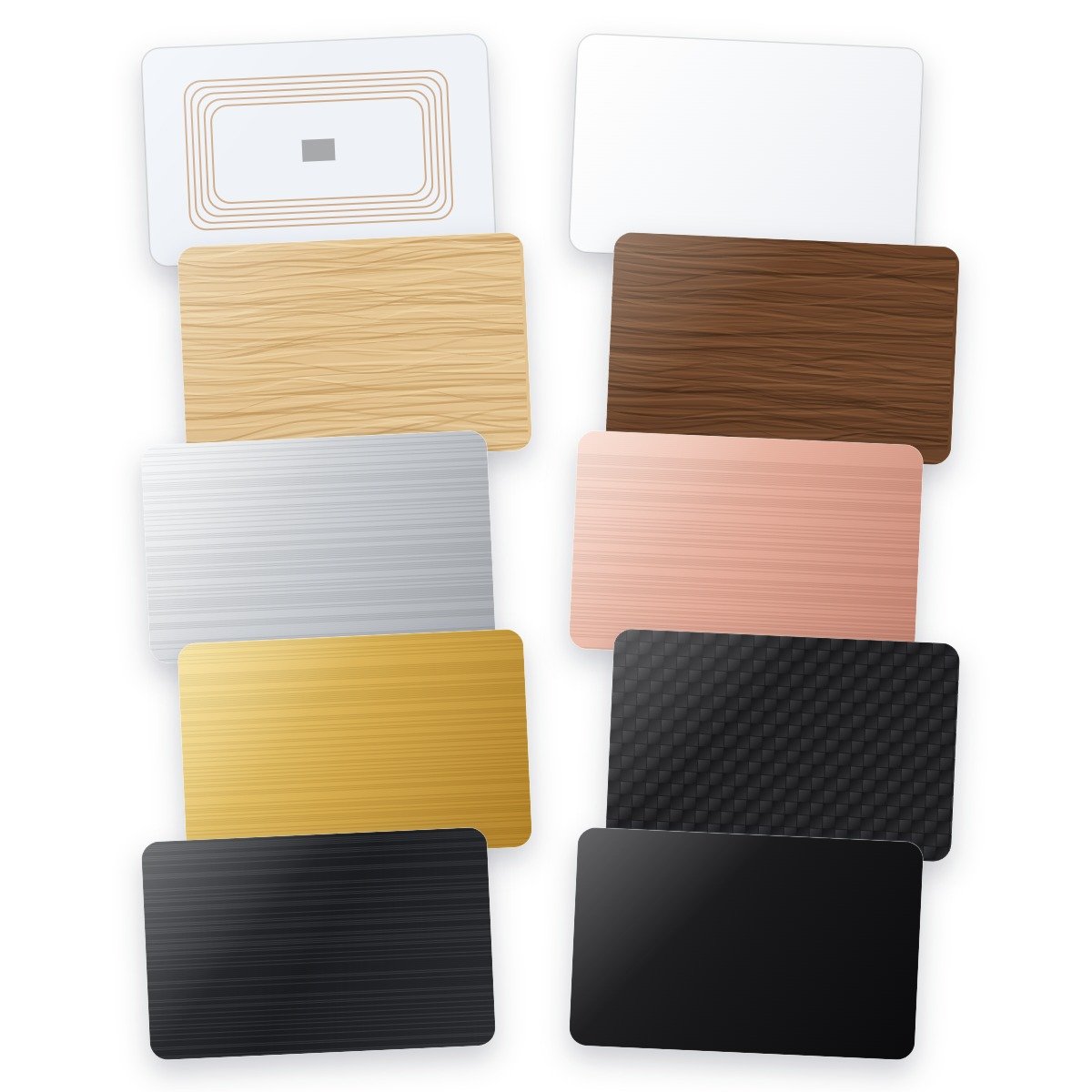 Smart Business CardsNFC + QR, with your own hosted page£14.99 (from)
Want your own QR code and logo printed on NFC stands, stickers or cards? Ask for a custom print quote.
How to make a QR code
QR code tips for printing
- Keep strong contrast: a dark code on a light background scans best.
- Print at least 2 × 2cm, and bigger for posters read from a distance.
- Leave the white border (quiet zone) around the code.
- Use a hosted QR page if the details might change, so you never need to reprint.
Questions
Is this QR code generator really free?
Yes. Create and download as many static QR codes as you like, for personal or commercial use. There is no sign-up and the codes never expire.
What is the difference between a static and a hosted QR code?
A static QR code contains the link or details directly, so it cannot be changed after printing. A hosted QR page lives at smartcard.co.uk/m/your-name: you can update the menu, PDF or links any time and the printed code keeps working.
Can I make a QR code menu for my restaurant or café?
Yes. Create a free account, choose “Menu”, add your sections, items, prices and dietary tags, and download your QR code. Update prices any time without reprinting.
Can I add my logo to the QR code?
Yes. Upload a logo and it is placed in the centre. We switch on the highest error correction so the code still scans. Always test it with a phone before printing.
PNG or SVG?
PNG is best for screens, documents and social media. SVG is a vector file that stays sharp at any size, which is best for printing on menus, posters, stickers and signs.
What is an NFC + QR stand?
A table stand or sticker with an NFC chip inside and your QR code on the front. Customers either tap with their phone or scan the code, so it works on every phone.