How to Set Up a Google Review NFC Card (iPhone & Android)
A Google review NFC card lets customers tap their phone and land straight on your review form. Setting one up takes about two minutes and needs no technical knowledge. Here is how.
What you need
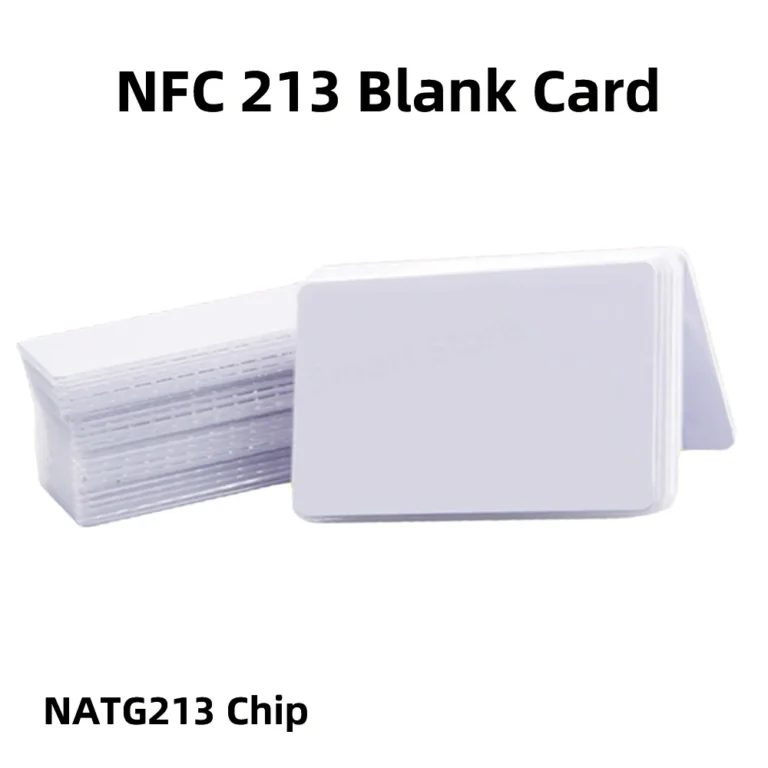
- A Google review NFC card, stand or table sticker
- A smartphone with NFC (iPhone 7 or later, or almost any modern Android phone)
- A free NFC writing app, such as NFC Tools
- Your Google review link
Step 1: Get your Google review link
Sign in to Google and open your Google Business Profile, either by searching for your business name or in Google Maps. Choose the option to ask for reviews (sometimes labelled “Get more reviews”) and copy the short link it gives you. This link opens the review box directly.
Step 2: Write the link to the card
- Open the NFC app and choose Write.
- Tap Add a record, then URL / URI.
- Paste your review link and confirm.
- Tap Write and hold the card to your phone: the top edge of an iPhone, or the middle of the back of most Android phones.
- Wait for the confirmation message.
Step 3: Test it
Lock your phone screen, wake it, then tap the card. Your review page should open in the browser. Test with an iPhone and an Android phone if you can. On iPhone XS and later the tag is read automatically when the screen is on; iPhone 7 to X users can use the NFC reader in Control Centre.
Step 4: Lock it (optional)
Most apps offer a Lock tag option under Other. Locking stops anyone rewriting your card, but it is permanent, so only lock once you are sure the link is right.
Tips for getting more reviews
- Ask at the right moment: straight after a good experience.
- Keep a stand by the till and cards with staff who meet customers.
- Ask every customer. Google’s policies prohibit offering rewards for reviews and only asking happy customers.
- Reply to reviews; it shows future customers you care.
Troubleshooting
- Nothing happens: check NFC is switched on (Android) and that you are tapping the right spot.
- Write fails: the card may be locked, or the link may be too long for the chip. Use a short review link.
- Phone case: thick or metal cases can block NFC.
More answers in our review card FAQs.